Retrospective: Module 2 – Getting Real About AI in the Workspace
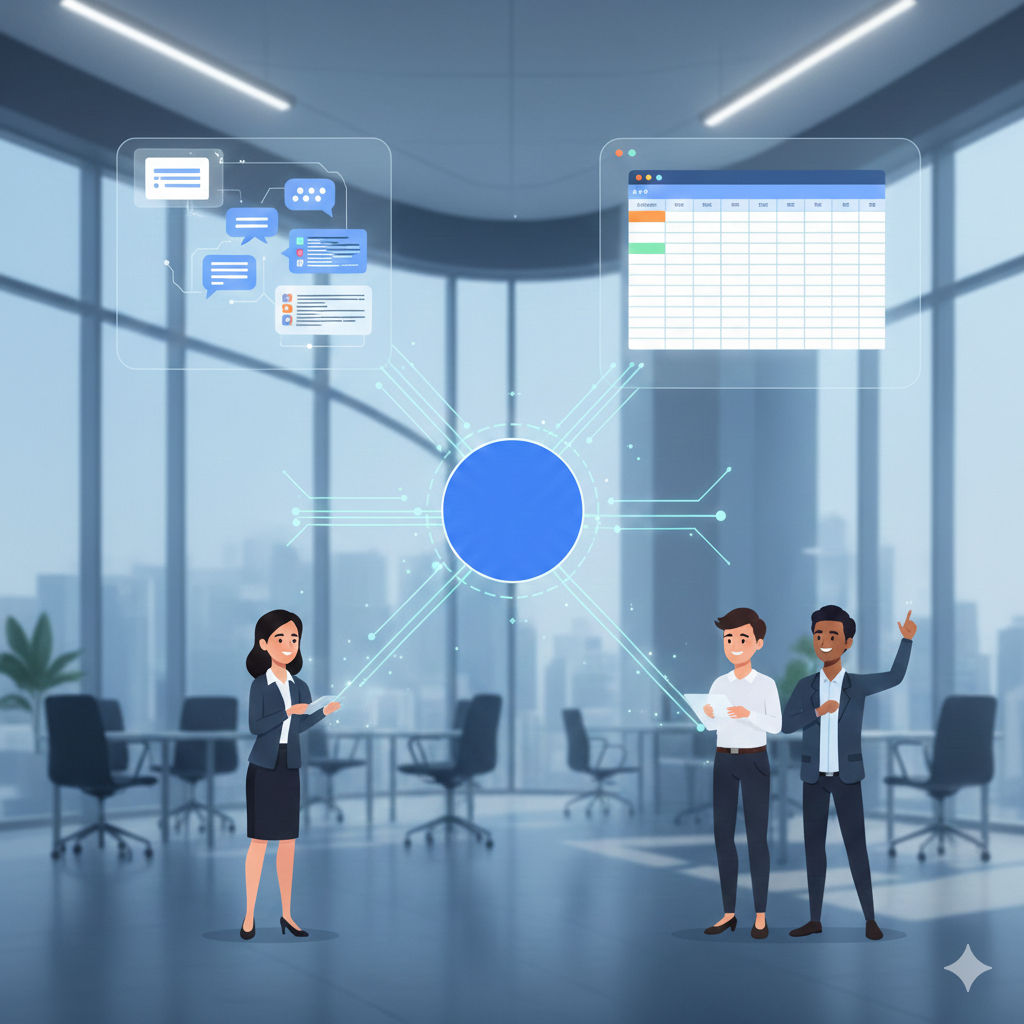
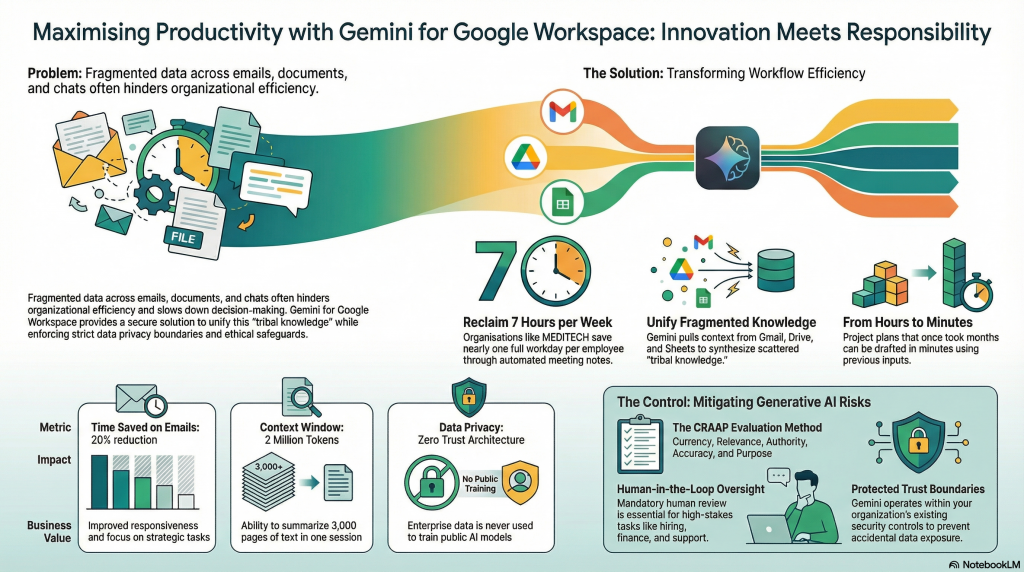
I’ve just finished a deep review of the second module in my AI transformation journey, and the biggest takeaway wasn’t about flashy new features—it was about basic organization. We spent a lot of time looking at the “fragmented workspace,” which is just a fancy way of saying our data is a mess, scattered across endless Gmail threads, Google Spaces, and random trackers.
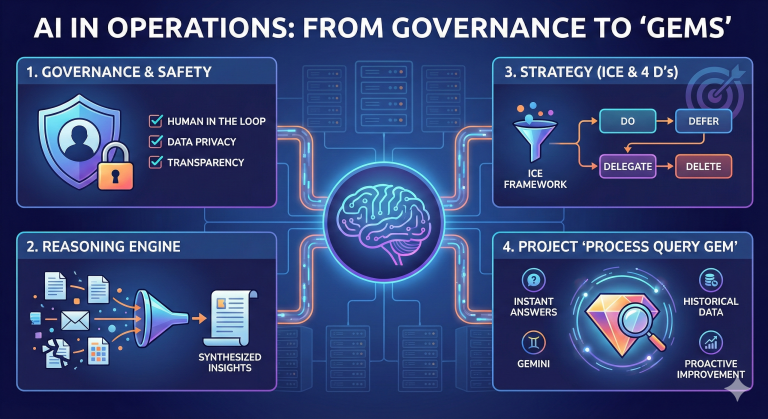
The goal now is to use Gemini not just as a chatbot, but as an “orchestration engine” to pull all that info together through a process called grounding.
I also spent time diving deep into specific Gemini prompting techniques to move from general queries to high-ROI interactions. There is so much to cover there that I’ll be breaking those tips out into their own separate posts soon.
The CRAAP Test (Yes, really)
For any business or person using AI, you have to be careful about what the machine actually spits out, especially to avoid “hallucinations” or flat-out wrong technical advice. I’m a big fan of using the CRAAP method—Currency, Relevance, Authority, Accuracy, and Purpose—to fact-check AI. It’s a simple way to make sure the “answers” you get aren’t based on outdated info or biased sources. Before I trust an AI output for a client or a project, I run it through these filters to ensure it meets corporate security standards. I’ll be sharing a video soon that breaks down how this works in practice.
Project 2: Scaling Up the “Process Query Gem”
Reviewing this module also gave me the chance to move my first project into its next phase. I continued the work I had started in Project 1, but moved it into a pilot I called the “Process Query Gem.” I focused specifically on the technical headaches between Coupa and Oracle systems, where knowledge was often trapped in “tribal” memory. By using AI to bridge those gaps and synthesize data from sources like Salesforce and Gmail, the goal was to cut resolution times by about 30%. It was all about letting the AI handle the repetitive data digging so senior techs could reclaim about five hours a week to focus on the big picture.
This is an example of a video generated by Notebook LM, based on my notes from AI Apprenticeship, Module 2: